CapCut vs AI Vinyl Generators: Which Is Better for Music Videos?
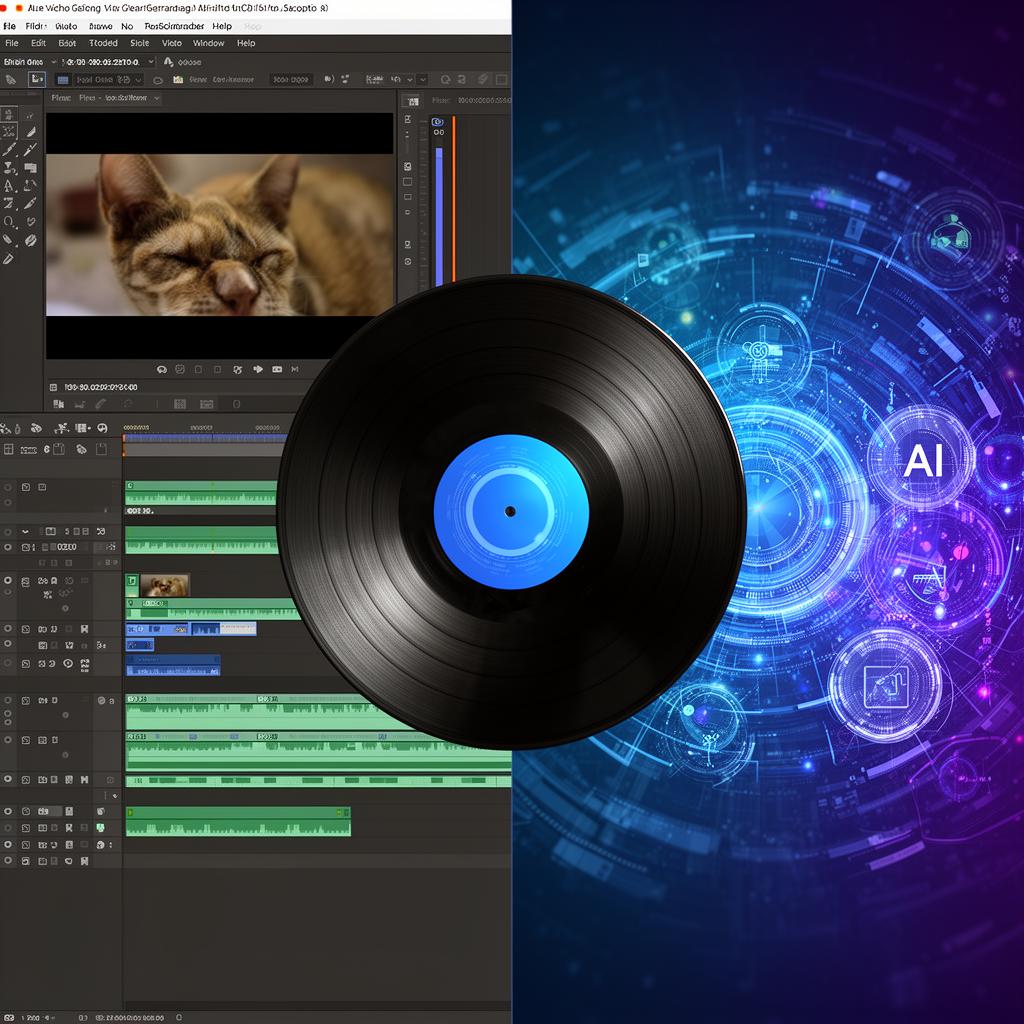
The Music Video Creation Dilemma
Every musician and content creator faces the same question: should I spend hours editing in CapCut, or use an AI tool to generate vinyl videos instantly? In this comparison, we break down both approaches so you can make the best choice for your workflow.
CapCut: The Manual Approach
Pros
- Full creative control: Every frame, transition, and effect is customizable
- Free to use: CapCut offers a generous free tier with most features included
- Multi-purpose: Edit any type of video, not just vinyl animations
- Text and stickers: Add lyrics, annotations, and graphic elements easily
Cons
- Time-consuming: Creating a spinning vinyl effect from scratch takes 30-60 minutes
- Learning curve: Keyframe animation and masking require practice
- No vinyl templates: You need to build the spinning effect manually
- Inconsistent results: Quality depends entirely on your editing skills
AI Vinyl Generators: The Automated Approach
Pros
- Speed: Generate a professional vinyl video in under 60 seconds
- No skills required: Upload your image and audio — the AI handles everything
- Consistent quality: Every video looks professional regardless of your experience
- Purpose-built: Designed specifically for vinyl animations with optimized output
- Multiple formats: Export in 9:16, 1:1, or 16:9 with one click
Cons
- Less customization: Limited to the effects and options the tool provides
- Specific use case: Only creates vinyl-style videos
- May require credits: Some AI tools limit free generations
Head-to-Head Comparison
| Feature | CapCut | AI Vinyl Generator |
|---|---|---|
| Time to create | 30-60 minutes | Under 60 seconds |
| Skill required | Intermediate | None |
| Output quality | Varies | Consistently high |
| Cost | Free | Free tier available |
| Customization | Unlimited | Moderate |
| Best for | Complex edits | Quick vinyl videos |
When to Use CapCut
Choose CapCut when you need a complex music video with multiple scenes, text overlays, transitions, and custom effects. If the spinning vinyl is just one element in a larger video project, CapCut gives you the flexibility to combine it with other creative elements.
When to Use an AI Vinyl Generator
Choose an AI tool like Spinning Vinyl when you need quick, professional vinyl videos for social media. If you are releasing music frequently and need consistent, high-quality promotional content without spending hours editing, AI is the clear winner.
The Best Workflow: Combine Both
Smart creators use both tools together:
- Generate your spinning vinyl video with an AI tool in seconds
- Import the video into CapCut for additional editing
- Add text overlays, transitions, or combine with other footage
- Export the final product optimized for your target platform
This hybrid approach gives you the speed of AI with the creative freedom of manual editing.
Try It Yourself
Generate your first spinning vinyl video for free at Spinning Vinyl, then decide which workflow suits your creative process best.