How to Create a Spinning Album Cover Animation — Step by Step
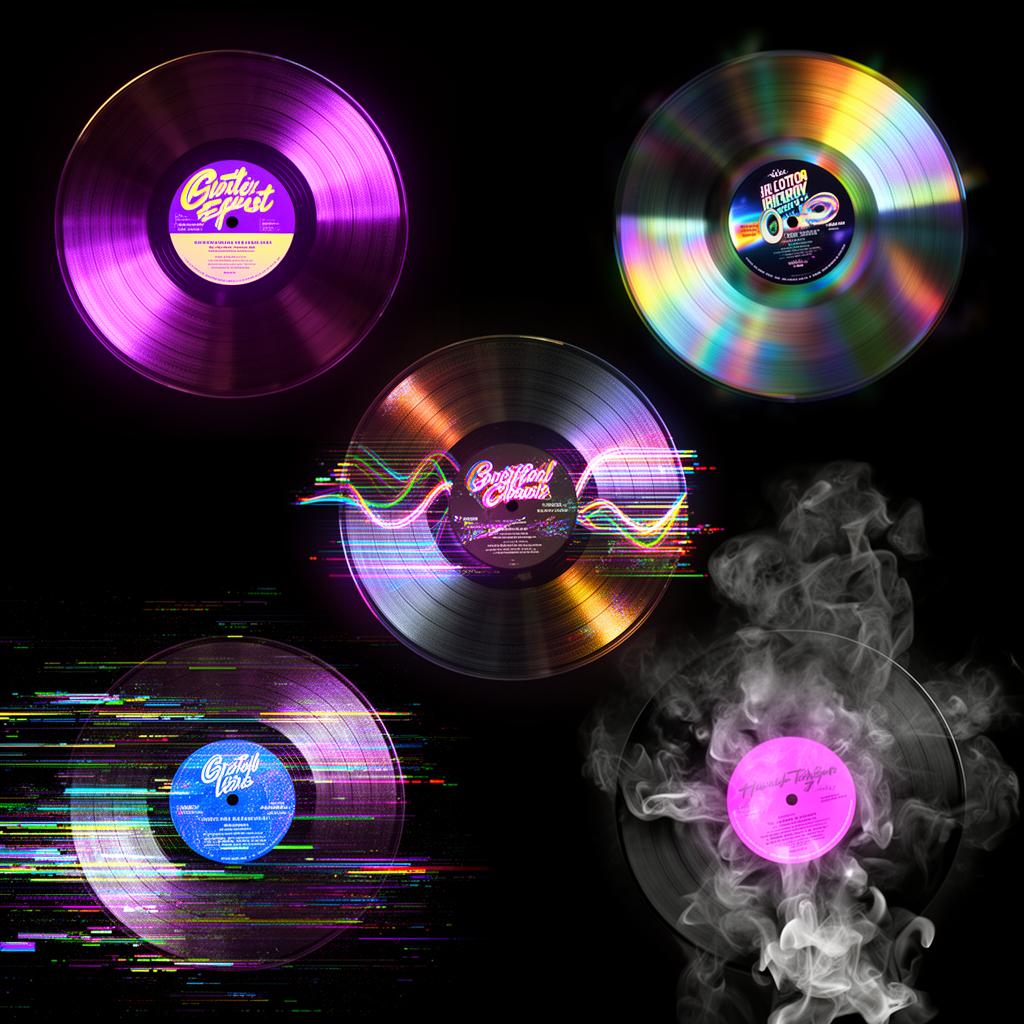
What Is a Spinning Album Cover Animation?
A spinning album cover animation is a short looping video that shows your album artwork rotating like a vinyl record. It's one of the most popular formats for music promotion on social media — simple, visually striking, and instantly recognizable.
These animations work because they combine two powerful elements: your album art (your brand) and motion (which grabs attention in a feed full of static images).
Where Can You Use Spinning Album Cover Videos?
- Instagram Reels & Stories — the most common use case
- TikTok — perfect for track previews and release announcements
- Spotify Canvas — the looping video that plays behind your track
- YouTube Shorts — growing platform for music discovery
- Twitter/X — video posts get 10x more engagement than images
- Facebook — still relevant for certain genres and demographics
Method 1: The Quick Way (SpinningVinyl)
The fastest method is using SpinningVinyl, a purpose-built tool for exactly this:
Step 1: Prepare Your Artwork
Make sure your album cover is at least 500x500 pixels. Higher resolution = better output quality. Square images work best.
Step 2: Upload and Customize
- Go to SpinningVinyl
- Upload your cover art
- Choose your visual style:
- Full cover rotation — the entire image spins (turn off vinyl ring)
- Vinyl record style — your cover appears as the label on a realistic vinyl
- CD Jewel Case — a modern alternative with a realistic CD case look
Step 3: Fine-tune the Details
- Adjust the rotation speed (33 or 45 RPM for realism, faster for energy)
- Set your background (solid color or custom image)
- Enable reflections and shadows for depth
- Choose the right aspect ratio for your platform
Step 4: Add Music
Upload your track and trim it to the section you want. The spinning syncs with your audio automatically.
Step 5: Export
Download your video and post it. The whole process takes about 2 minutes.
Method 2: After Effects (Advanced)
For maximum creative control, Adobe After Effects is the industry standard:
- Import your album artwork as a composition
- Apply a rotation expression:
time * 360 / 1.8(for 33 RPM) - Add a vinyl record overlay or mask
- Add lighting effects and shadows
- Render at your desired resolution
Pros: Full creative control, professional quality
Cons: Expensive subscription, steep learning curve, time-consuming
Method 3: Canva (Limited)
Canva has basic animation features:
- Upload your cover art
- Apply the "Spin" animation
- Export as MP4
Pros: Easy to use, free tier available
Cons: Limited customization, no vinyl effect, no audio sync, watermarked on free plan
Tips for Professional-Looking Results
Choose the Right Speed
- 33 RPM — classic, relaxed feel (great for ambient, jazz, soul)
- 45 RPM — slightly faster, more energy (pop, rock, indie)
- 78+ RPM — fast and energetic (electronic, hip-hop promos)
Background Matters
A dark background (black, deep navy, dark brown) makes the vinyl pop. If you use a custom background, keep it subtle so it doesn't compete with your artwork.
Aspect Ratio Guide
| Platform | Recommended Ratio |
|---|---|
| Instagram Reels | 9:16 |
| Instagram Feed | 1:1 or 4:5 |
| TikTok | 9:16 |
| YouTube Shorts | 9:16 |
| Spotify Canvas | 9:16 |
| Twitter/X | 16:9 or 1:1 |
Audio Selection
Choose the most catchy 15-30 seconds of your track. The hook or drop usually works best. For Spotify Canvas, remember it loops — make sure the transition is smooth.
Conclusion
Creating a spinning album cover animation has never been easier. Whether you choose the quick route with SpinningVinyl or go full creative with After Effects, the key is consistency — make one for every release and build your visual brand.
Start creating your spinning album cover animation now — free at SpinningVinyl