How to Make Spinning Vinyl Videos for Instagram
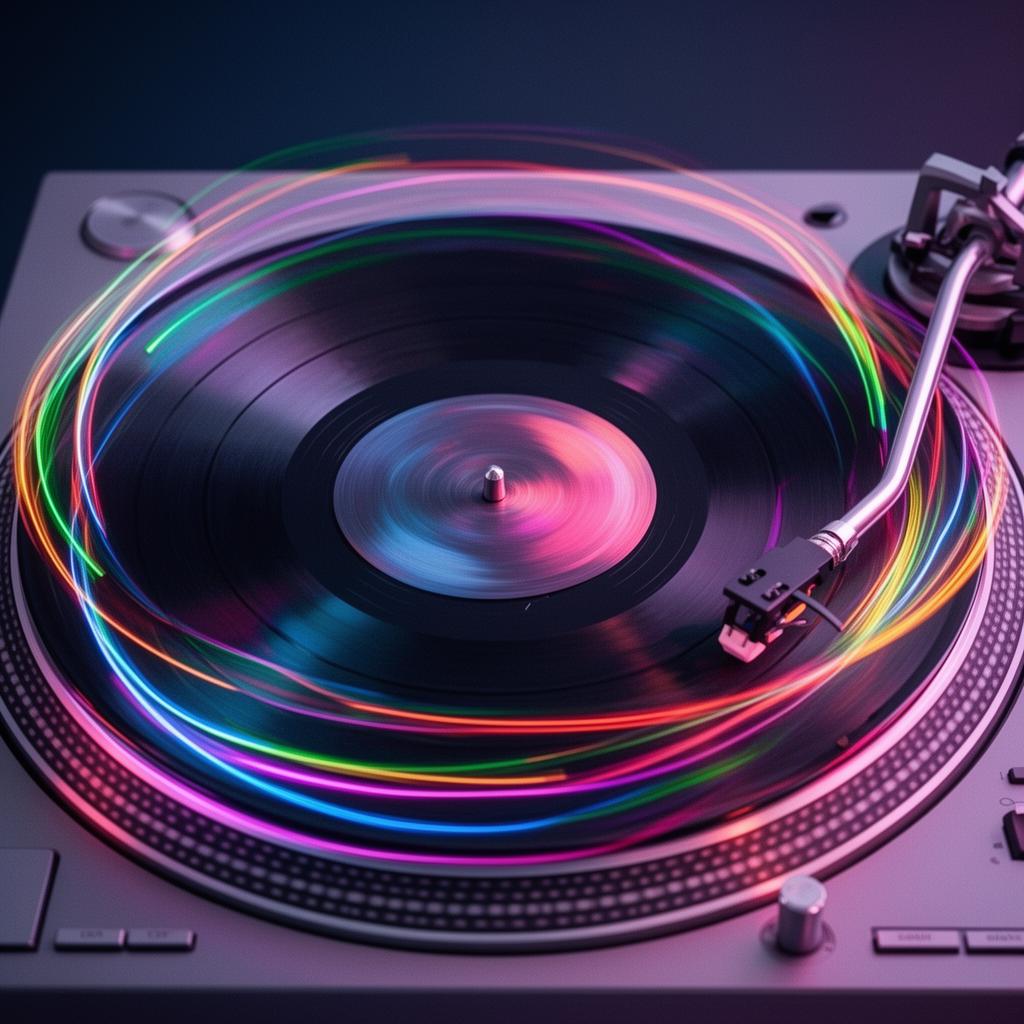
Why Spinning Vinyl Videos Are Trending on Instagram
Spinning vinyl videos have taken Instagram by storm. Musicians, DJs, and music lovers are using these mesmerizing animations to promote songs, create aesthetic content, and boost engagement. In 2026, vinyl-style videos are one of the top-performing formats on Instagram Reels.
What You Need to Get Started
Creating a spinning vinyl video used to require expensive software and hours of editing. Now, with AI-powered tools like Spinning Vinyl, you can generate professional-quality vinyl animations in seconds — no editing skills required.
- A cover image or album artwork (square format works best)
- Your music track (MP3 or WAV)
- An AI vinyl video generator like Spinning Vinyl
Step-by-Step: Create Your Spinning Vinyl Video
Step 1: Upload Your Cover Art
Start by uploading your album cover or any image you want at the center of the vinyl. High-resolution images (1080x1080 or higher) deliver the best results.
Step 2: Add Your Music
Upload your audio track. You can trim it to select the perfect loop — ideal for Instagram Reels which perform best between 15-30 seconds.
Step 3: Customize the Vinyl Look
Choose your vinyl color, adjust the spinning speed, and select the aspect ratio. For Instagram Reels, use 9:16 (vertical). For feed posts, use 1:1 (square).
Step 4: Export and Post
Download your video in MP4 format and upload it directly to Instagram. Add relevant hashtags like #spinningvinyl #musicvideo #newmusic for maximum reach.
Tips to Maximize Instagram Engagement
- Use trending audio: Pair your vinyl video with a trending sound for algorithmic boost
- Post at peak hours: Share between 6-9 PM in your target audience timezone
- Add captions: Include lyrics or a call-to-action in your caption
- Use Stories too: Share your Reel to Stories for 2x the visibility
- Engage quickly: Reply to comments within the first hour
Why AI Tools Beat Manual Editing
Traditional video editing software like After Effects or Premiere Pro can create vinyl animations, but they require hours of work and technical knowledge. AI tools like Spinning Vinyl generate the same quality in under 60 seconds, letting you focus on what matters — your music.
Start Creating Today
Ready to make your first spinning vinyl video? Try Spinning Vinyl for free and create Instagram-ready content in minutes. No signup required for your first video.