How to turn your cover art into a spinning picture vinyl video
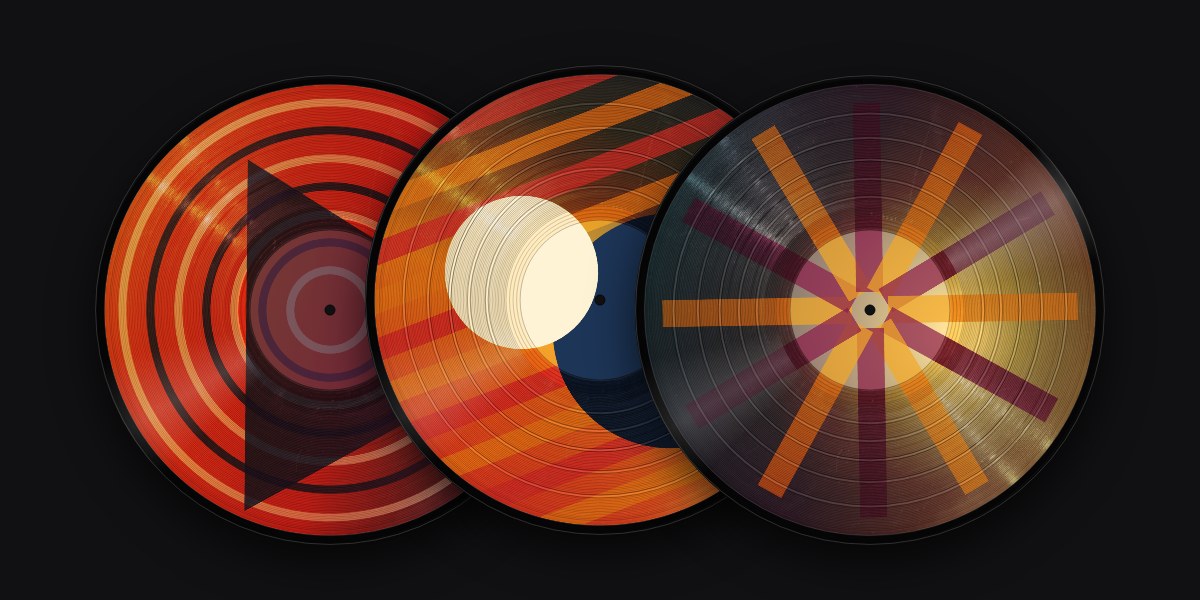
Picture discs are the most collectable format in vinyl: your artwork printed across the whole record, under a layer of clear vinyl. Until now, making a picture disc video meant mocking it up in Photoshop or After Effects, then bringing it back into another tool to animate it.
Now you can do it in one place.
What Picture vinyl does
- Prints your artwork edge to edge on the record.
- Adds real vinyl grooves on top, plus a clear vinyl rim around the edge.
- Lets you choose Single (continuous grooves) or Album (visible gaps between tracks).
- Keeps the light still while the record spins, like a real turntable under a lamp.
How to make one (under a minute)
- Upload your cover and your track.
- Vinyl style: Ring → Ring style: Picture.
- Pick Single or Album grooves.
- Adjust zoom and position if your artwork needs it.
- Export for Reels, TikTok, Shorts or YouTube (1080p on Pro).
Why it works for releases
A picture vinyl reads as "physical release" at a glance, even if you're only on streaming. It's a strong teaser for pre-saves, a loop for Spotify Canvas-style posts, and a clean visual for YouTube uploads.
Where the idea came from
A producer wrote to us after our last update. He was making picture-disc videos in a separate app and asked for "album groove texture" right inside SpinningVinyl. So we built it.
Everything renders in your browser. Your artwork and audio never leave your device.