Spinning Vinyl Video Templates: Save Your Look, Reuse It Every Release
Why templates
Every release, you rebuild the same look. One spinning vinyl template for YouTube in 16:9, another music visualizer template for Shorts in 9:16. A producer asked us for exactly this, so we built it.
What a template saves
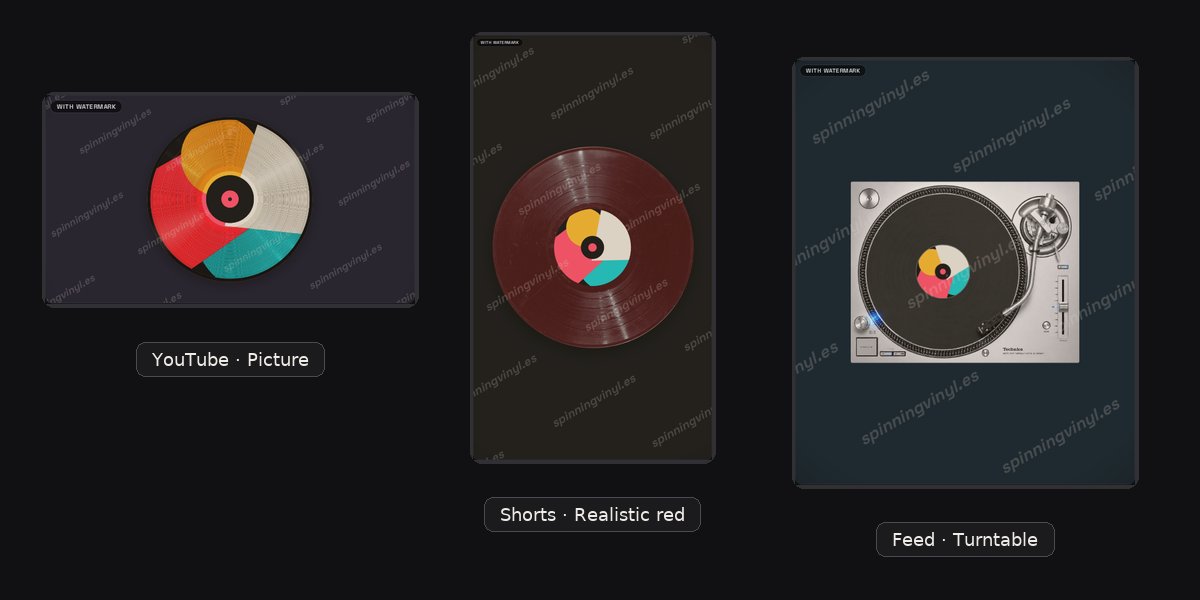
A template saves your format, ring style or CD style, vinyl color and pattern, background color or animated background, effects, waveform, logo position and text styling.
Not saved: your artwork, audio and logo image. They stay on your device.
How to save one
- Set up your look.
- Open Templates and choose Save current look.
- Name it.
On mobile, use the Templates button next to Undo and Randomise.
Switch formats in one tap
Keep a YouTube look and a Shorts look, then tap to switch. If you already typed your title, the template only restyles it.
Start from a starter
Try one of four ready-made looks:
Free vs Pro
Free: 1 template. Pro: up to 50, plus no watermark, 1080p and CD 360° exports.
Frequently asked questions
Are templates free?
Yes. You can save 1 template on the Free plan.
Does a template store my artwork?
No. Your artwork, audio and logo image stay on your device.
Can I use a template on the CD maker?
Yes. CD templates open the CD maker automatically.